

Storages and Datalakes
The Storages and Datalakes tab, available in the Integrations category of your Organization Settings, is where you manage the Cloud Storage integrations connected to your Organization, and the Datalake that read and write Data through them.
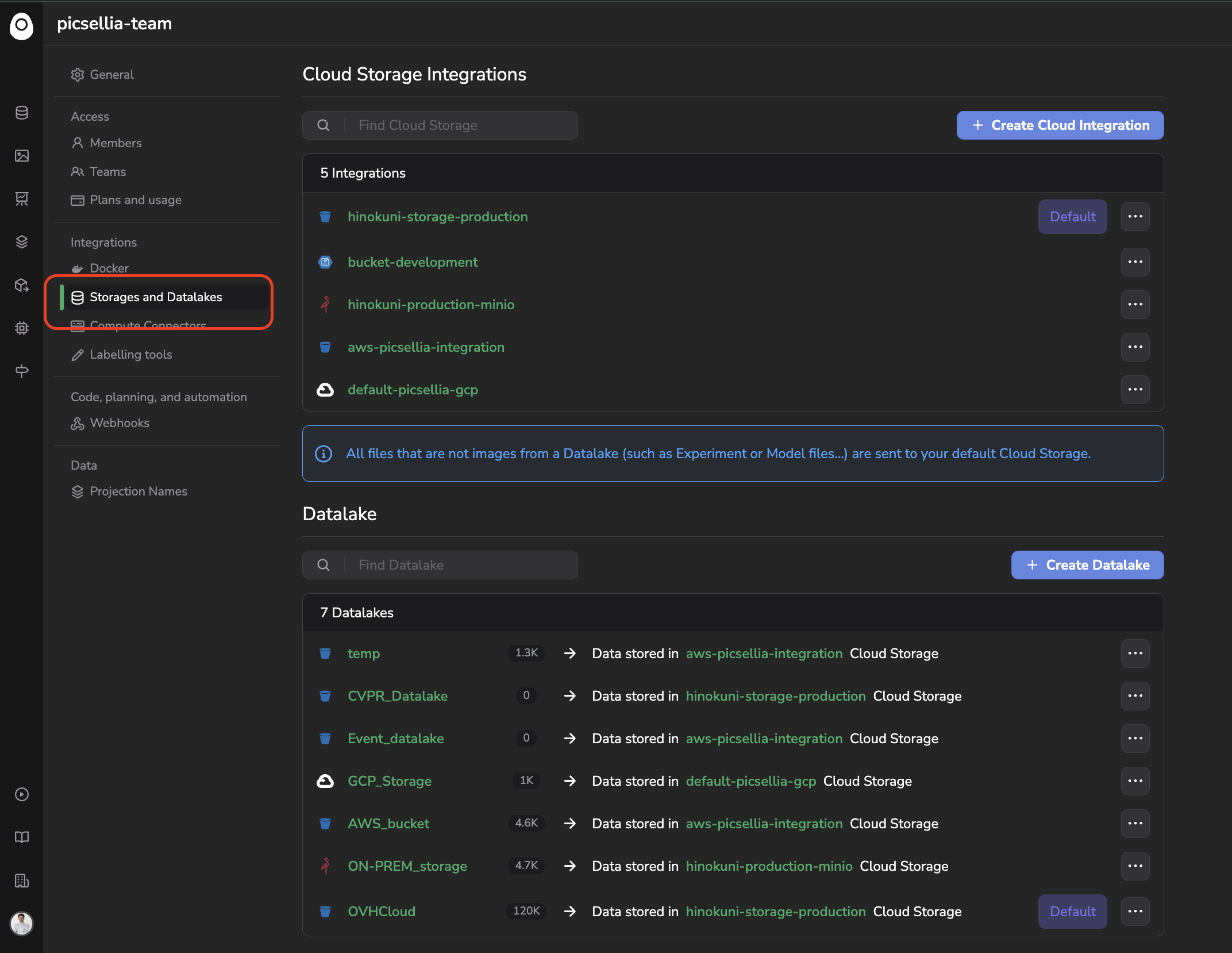
Storages and Datalake tab
1. Cloud Storage Integrations
This section lists every client bucket that has been integrated with your Organization, on top of the Picsellia Object Storage created by default for your Organization. For each integration, you'll find its name (matching your bucket name on your Cloud Provider) and, if applicable, a Default badge.
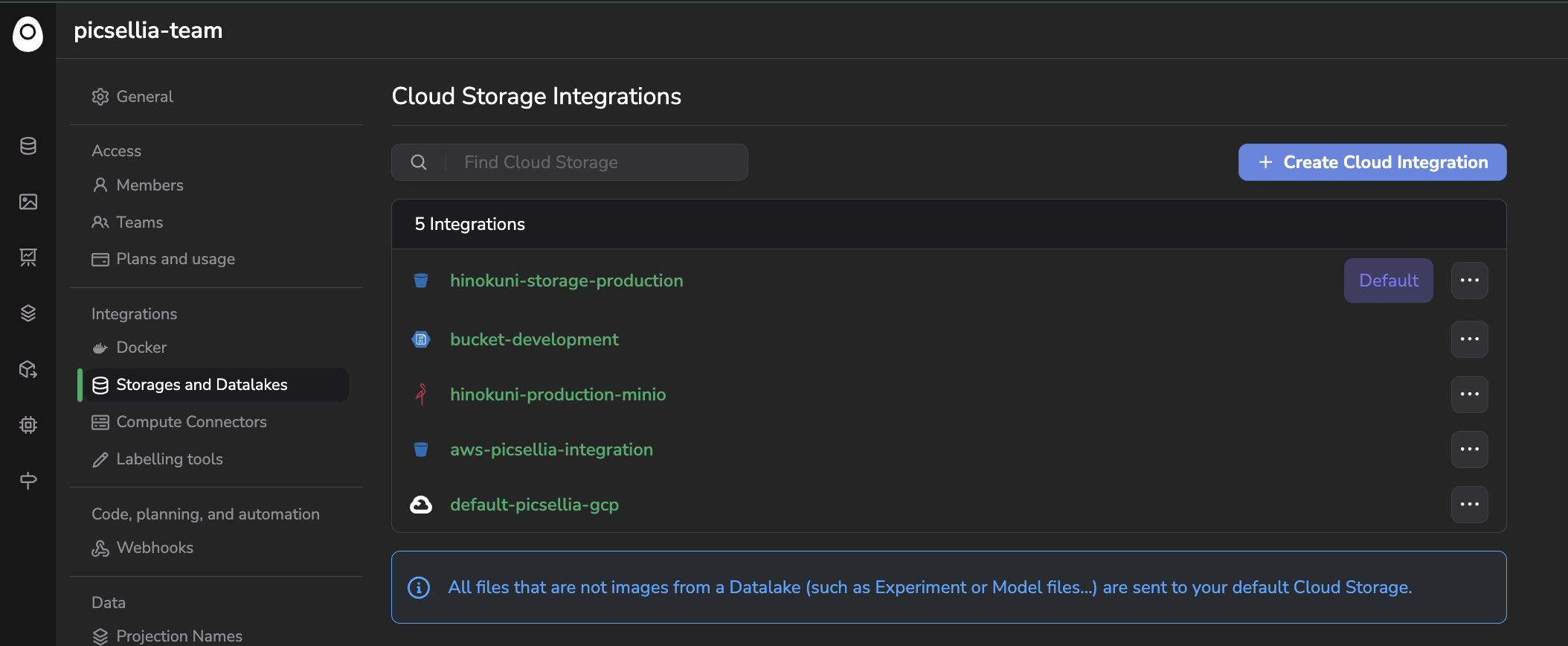
List of Cloud Storage Integrations
Default Cloud Storage for non-image filesAll the files that are not images or videos from a
Datalake(such asExperimentorModelVersionfiles) are always sent to your Default Cloud Storage.
2. Datalake
This section lists every Datalake existing in your Organization. For each Datalake, you'll find the amount of Data it contains and which Cloud Storage integration it stores its Data in.
1 Cloud Storage Integration, several DatalakesAn Organization can have several
Datalake, each one connected to a different or the same Cloud Storage integration.
3. Connect your own Cloud Storage
By default, a new Organization only has one Cloud Storage integration and one Datalake, both backed by the Picsellia Object Storage. If your images and videos already live in your own Cloud Storage bucket, Picsellia lets you connect it directly to your Organization instead of migrating your Data elsewhere: your images and videos always remain stored on your side, and Picsellia only reads and writes to it.
The exhaustive procedure to connect your own bucket, for AWS, Azure or GCP, along with the philosophy behind this mechanism, is detailed here.
Want to integrate your compute infrastructure as well?Looking to run your
TrainingsandProcessingson your own compute infrastructure instead? Head over to Compute Connectors.
Updated 2 months ago